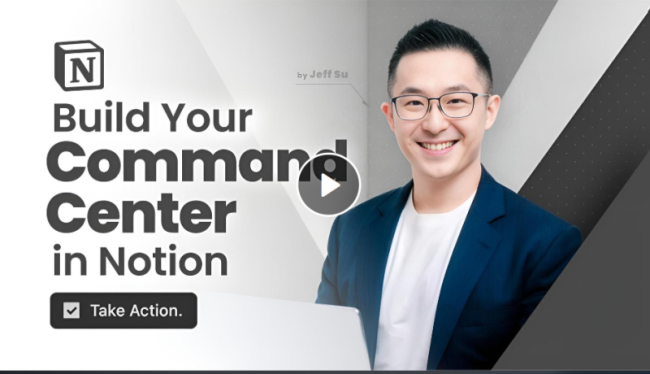
Here’s What You Get:
Go from overwhelmed to organized with a proven system that keeps your work and life in sync. I take out all the guesswork by walking you through step-by-step on how to build a comprehensive Command Center in Notion!
Course Details
- Learning Points
Productivity, Organization, Information Management - Learning Materials
Essential templates for life and work - Total Duration of Videos
About 5 hours - Viewing Restrictions
Unlimited Time and Access - Available Devices
Desktop, Mobile - Charge Type
One-off Payment
Module 1
- Lesson 1 – Welcome to Your Notion Command Center
- Lesson 2 – Command Center in Action
- Lesson 3 – Take What You Need and Leave The Rest
Module 2
- Lesson 1 – From Blank Page to Command Center
- Lesson 2 – Make Time: Building Your Daily Focus System
- Lesson 3 – Tasks: Building Your Action Engine
- Lesson 4 – Task Management: Daily and Weekly Workflow
- Lesson 5 – Notes: Setting up Your Knowledge Hub
Module 3
- Lesson 1 – Introducing the Projects Database
- Lesson 2 – The Power of Relations
- Lesson 3 – Project Management: Creating Visual Views
Module 4
- Lesson 1 – Introducing Areas
- Lesson 2 – Diving Deeper into Areas
- Lesson 3 – Personalized Area Management
Module 5
- Lesson 1 – Getting Started with Resources
- Lesson 2 – Resources Database: Structure and Components
- Lesson 3 – Resources in Action: Real-World Examples
- Lesson 4 – Advanced Techniques for Resources
Module 6
- Lesson 1 – Final Touches for Your Command Center
- Lesson 2 – Your Command Center Routine
- Lesson 3 – Simple Case Study: Integrating Templates into Your Command Center
- Lesson 4 – Advanced Case Study: Building a Custom Mini-Workflow
- Lesson 5 – Thank you & Next Steps
-
Jeff Su – Build Your Command Center in Notion Course Content: Videos
DOWNLOAD NOW
MEMBERS ONLY
Sign Up to see all our download links and hidden content.
- 100% Satisfaction Guaranteed
- Download as much as you need
- You can choose from two membership options:
- Lifetime or Monthly
- Starts at $25